In 2013, when I started actively shooting film, I didn’t have enough of it to justify storing it in a fridge or freezer. But as time went on (and I wanted to try new film stocks), I kept buying more. It started innocently enough: I hid a plastic container in the family refrigerator behind the leftover pizza and Diet Coke. My wife kindly let me know that my “system” wasn’t working. Eventually, I bought a compact refrigerator and moved my film stash to the basement. Side note: George Carlin once joked about our language: “Why do we call it a refrigerator and freezer? Shouldn’t we just call it a refrig‑it-ee‑zer?”
Between 35mm, 120, 4×5 sheets, Instax, and every odd format in between, my compact fridge is packed. No matter how I stack the shelves, I can’t open the door without something falling onto the floor. When I heard about the FilmFridge app on the I Dream of Cameras podcast, I downloaded it right away and inventoried my fridge. I know people like Johnny Martyr are going to scold me for hoarding so much film because it keeps me from buying (and supporting) new film stocks—and honestly, he’s right. In my defense, a lot of this film has been given to me over the past 10 years, and I also like to buy when the price is right. For example, I recently picked up some short‑dated T‑Max and 4×5 sheets from the Film Photography Project Store because the deal was too good to pass up.
FilmFridge is a mobile inventory and workflow app designed for film photographers. It’s built to help you track, organize, and manage every roll of film—from storage in the fridge, to loaded in a camera, to sent to a lab, and finally archived after development. The app is currently available for iOS, with optional Apple Watch support. The Android version is currently in beta.
FilmFridge helps you stay organized from start to finish by mirroring how film photographers actually work. It gives each roll a simple lifecycle: Fridge → Camera → Lab → Archive. Along the way, every roll keeps its key details—film stock, ISO, expiration date, notes, locations, and history.
Film Inventory & Storage
- Track every roll individually, not just by box.
- Supports nearly all formats: 35mm, 120, large format sheets (4×5, 8×10), Instax, Polaroid, and more.
- Multiple visual “Fridge” views (flat list, grouped by format, stored location).
- Expiration alerts highlight rolls that are expired or nearing expiration.
Barcode Scanning
- Scan a film box barcode with your phone camera. The app can determine: single rolls, multi-roll boxes, and boxes of sheets.
- The app automatically fills in brand, film stock, ISO, format, and exposure count using a built‑in database of 400+ film stocks eliminating manual entry.
Loaded Cameras & Mid‑Roll Tracking
- Load a roll into a camera with one tap and see which cameras are currently loaded.
- Supports mid‑roll swaps, remembering exactly how many frames you’ve shot so you can reload later without guessing.
- Tracks how long film has been sitting in a camera.
Lab & Development Tracking
- Move completed rolls to a “Lab” state.
- Track lab drop‑off, turnaround time, and development instructions (push/pull, scanning, cutting).
- Also works for photographers who develop and scan their own film, helping manage backlogs.
Shooting History & Journal
- Maintains a permanent archive of all exposed rolls.
- Add notes, dates, and optional GPS locations for each shooting session.
- Search history by film stock, camera, location, or notes.
Sync, Offline Use, and Devices
- iCloud sync keeps data consistent across iPhone and iPad.
- Offline‑first design means the app works without a signal.
- iPad version offers a sidebar + split‑view layout for deeper browsing.
- Apple Watch support allows quick checks and logging from your wrist.
FilmFridge is a purpose‑built inventory and tracking system for film photographers, designed to bring order to the chaos of film storage, shooting, and processing. It replaces notebooks, memory, and Post-It notes with scribbled notes and provides a structured, searchable system that follows each roll from the fridge all the way to your archive.
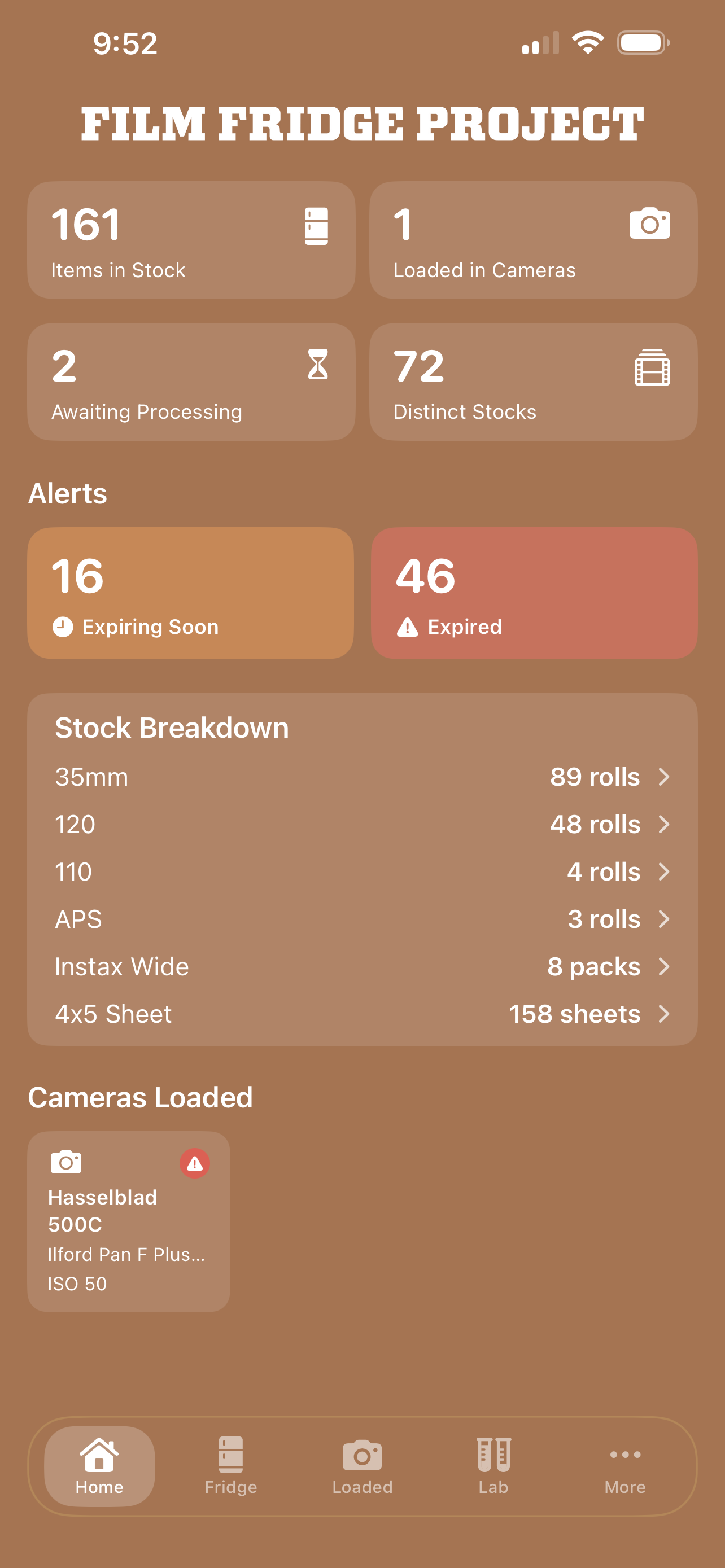
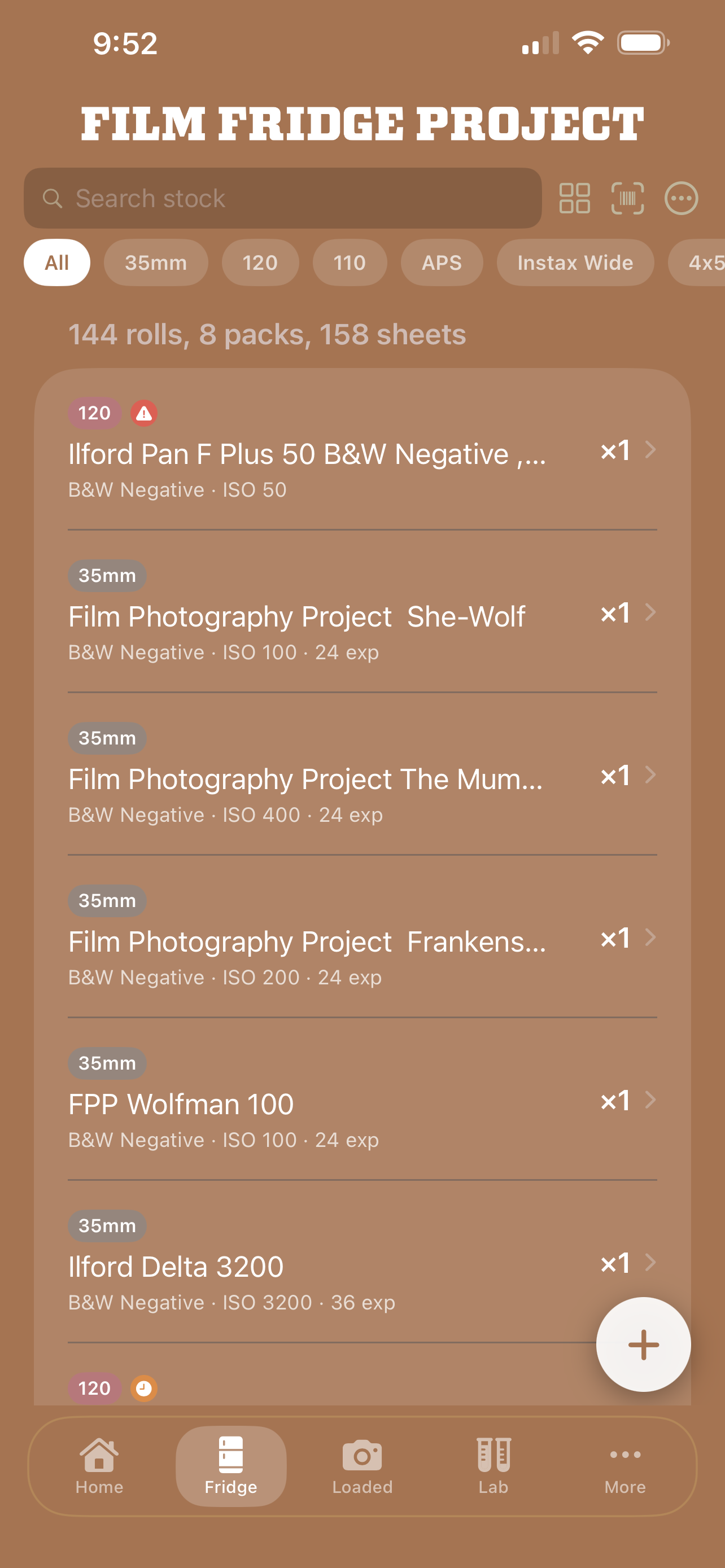
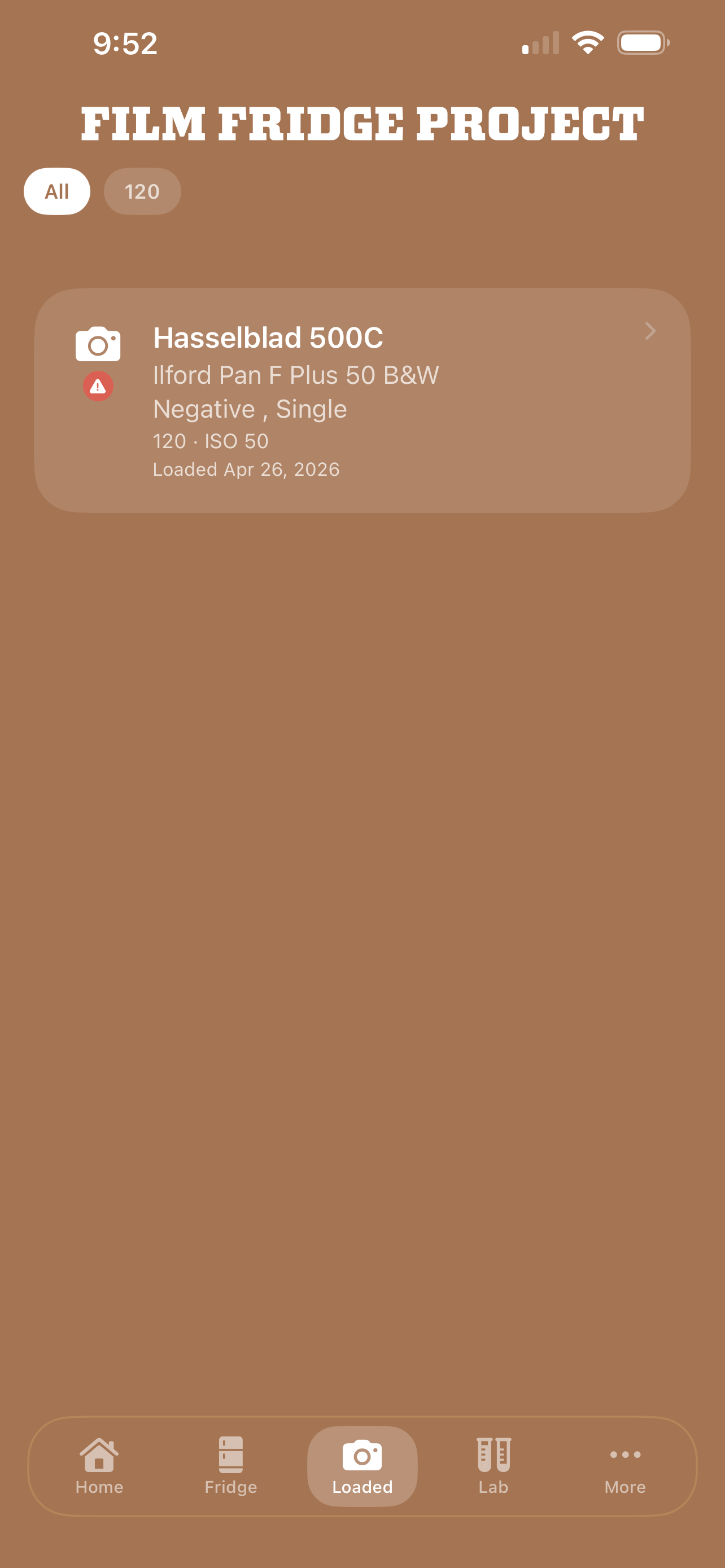
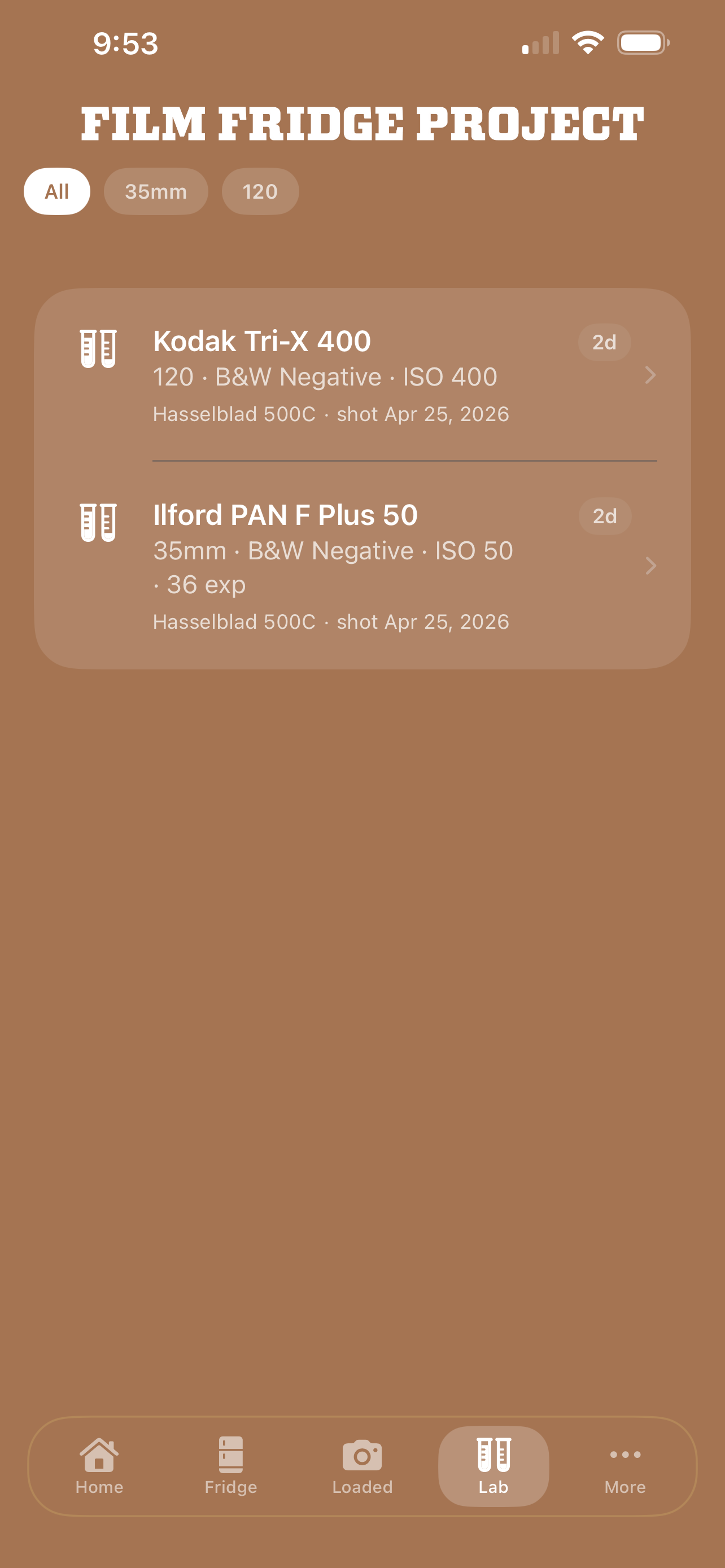
Gary Zorko, who created FilmFridge, is quite active on Instagram. After my first day with the app, I made a small wishlist and reached out to Gary, who quickly responded—and soon, my suggestions were added to the app. So far, I’ve come across only one error: I added five rolls of Illford Pan F Plus 50 to the fridge. When I attempted to move a roll from the fridge section to my camera, the app wouldn’t let me. To fix it, I simply deleted and re-added the rolls. This workaround took just a few minutes and solved the issue. The screenshots come from my FilmFridge, while I was surprised to find that I have a lot more film than I thought—I didn’t know how much of it was expired. This discovery is useful, because now I’ll focus on using the expired film first rather than just blindly grabbing whatever is in the fridge.

 Utah Film Photography